Wedding Guest Book Ideas to Preserve Every Message
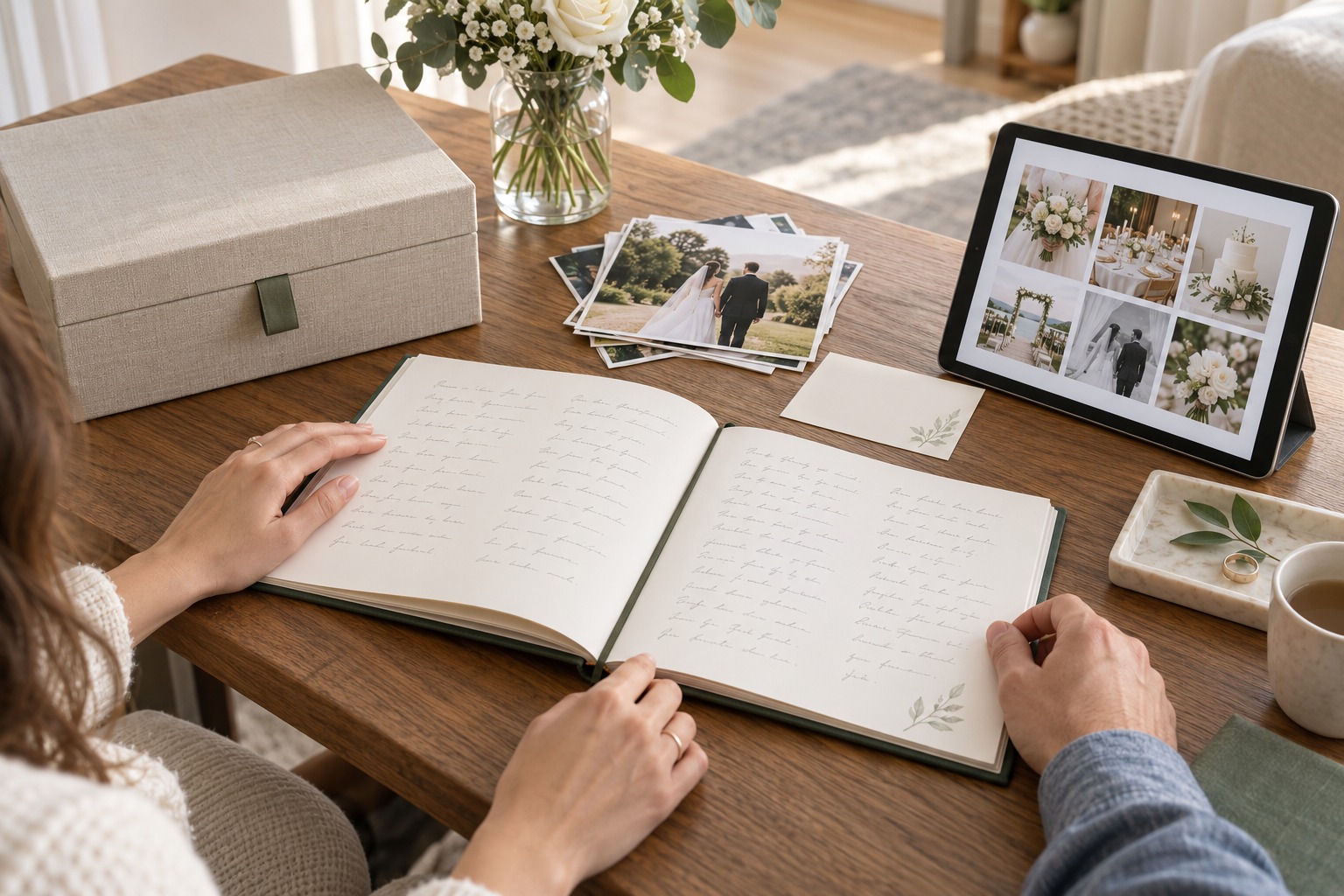
The most useful wedding guest book ideas do not end when the last guest signs. A bound book, printed photos, loose notes, or digital messages become easier to revisit when you decide how to organize them after the celebration. Start by identifying what you want to remember, make a simple index, keep a backup of digital material, and protect delicate originals before you choose anything for display.
This guide begins after the wedding. It focuses on turning messages and media you already collected into a keepsake you can browse, share selectively, and store with care. You do not need a professional archive system. A few clear labels and a repeatable routine can keep names, dates, images, and voices connected to the people who left them.
Start With the Memory You Want to Preserve
Before moving pages or files, pause to name what matters most about the guest book. Perhaps you want to hear familiar voices again, recognize the handwriting of relatives, remember who traveled to be there, or see a photo beside a personal note. The archive should preserve those connections, not just gather every item into one container.
Make a quick inventory without changing the original order. List what you have: a bound book, loose cards or sheets, prints, a large signed object, scanned pages, voice recordings, videos, or photographs collected by guests. Note where each item is now and whether it has a fragile surface, a binding that does not open flat, or a digital file whose location is unclear.
Turn wedding inspiration into a plan you can actually follow.
Zarellea brings your guest list, budget, vendors, and day-of details into one shared space — so no beautiful idea gets lost in the shuffle.
Separate the keepsake into three layers. The first is the original contribution, such as a handwritten page or signed print. The second is its context: who left it, where it belonged in the celebration, and what it refers to. The third is a convenient copy for browsing, sharing, or display. Those layers can live together, but they do not have to. A delicate original may be safer in storage while a scan or photograph is the version you look at most often.
Do not add details that you cannot verify. If you recognize a guest but are not sure which message is theirs, mark the name as unknown rather than guessing. If the timing of a photo is uncertain, use a broad description such as “reception” instead of assigning it to a specific moment. Accurate context is more valuable than a complete-looking list.
Decide how much privacy the archive needs, too. A message written for the couple may feel personal even if it was left at a public event. Keep the original set private by default. If you want to share a few pages online or with family, choose them deliberately and ask contributors before making a private message broadly accessible. You can create a shareable selection without publishing the entire collection.
This first step also helps you decide whether you need one container or several. A book that already holds every message may need only a small index and digital copy. Loose photographs, separate notes, and recordings may need a folder structure that connects them to the same event. The goal is a clear path from a name or memory to the item that holds it.
Build a Wedding Guest Book Archive You Can Browse
An archive becomes useful when you can find something again. Give the collection one plain-language title, such as “Wedding guest messages, June 14,” and use it consistently on a box label, a digital folder, and any companion index. Add the date and the couple’s names only where you are comfortable having them visible.
For a bound book, write a short contents note on a separate sheet or in a digital document. Record the number of pages, whether there are photographs or inserts, and any pages that need careful handling. If the book is already paginated, refer to page numbers. If it is not, number only a companion scan or index, not the original pages, unless you have confirmed that marking the book is safe.
For a collection of loose materials, create broad sections that match what the items are. You might have handwritten notes, printed photographs, larger artwork, and digital contributions. Keep the categories simple enough that another person could understand them. The folder name “photos from guests” is more useful than a private abbreviation whose meaning may be forgotten.
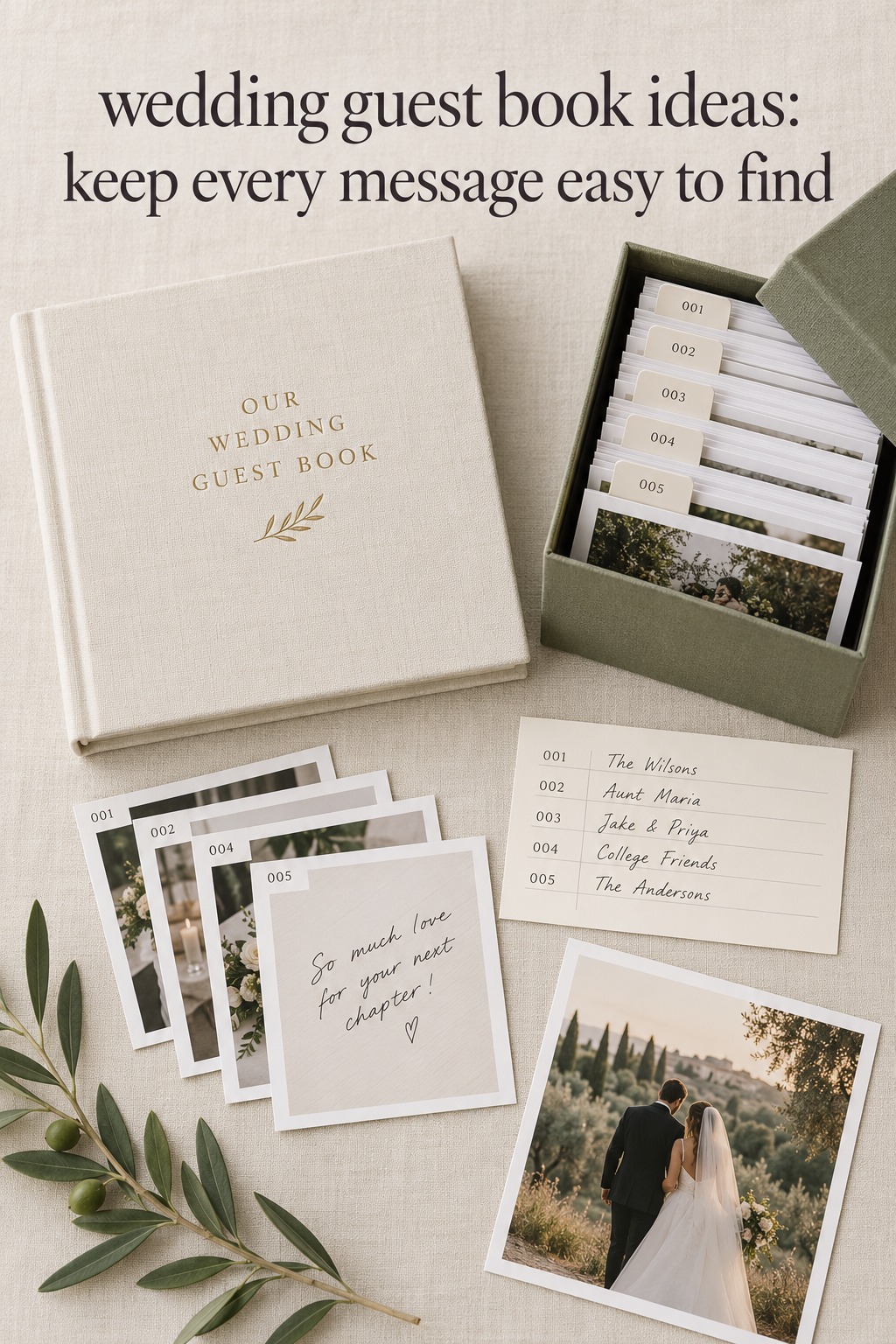
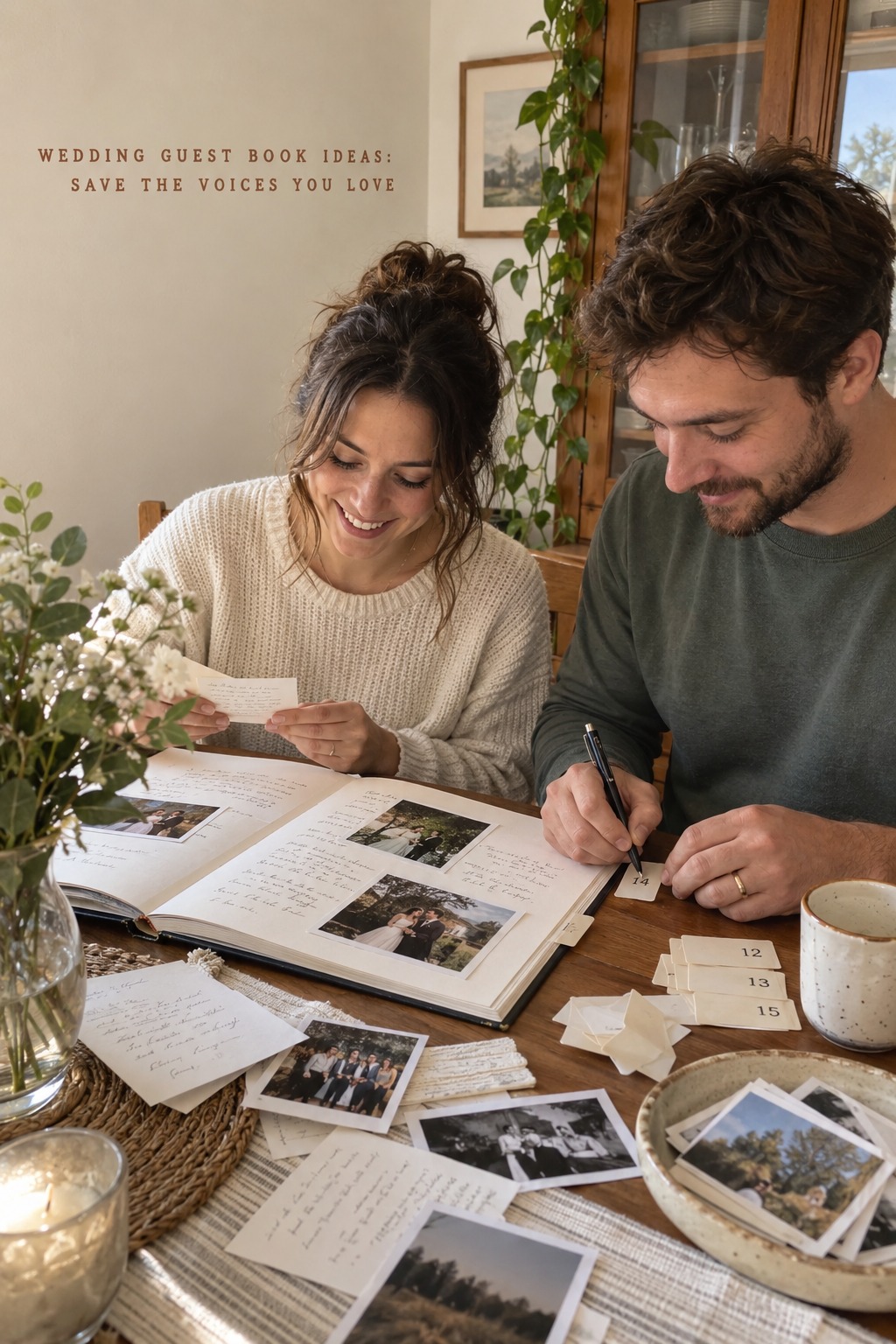
A basic index can use four fields: item number, contributor if known, short description, and where the original is stored. For example, an entry might say “P-014, Morgan and Lee, photo with a note from the reception, folder B.” Assigning a number to the companion record can make it easier to find an item without writing directly on it.
Keep the index descriptive rather than interpretive. “Two handwritten lines wishing us patience and laughter” tells you what is on the page. “Best advice” assumes a judgment that may not feel right later. If you want to add your own reflections, put them in a separate “our notes” column or document, with a date. This keeps your memory of reading the item distinct from the original words.
Use a small naming pattern for digital files. A year-month-day prefix followed by a broad item label and sequence number is easy to sort, such as “2026-06-14-guest-note-014.” Avoid putting sensitive message text, phone numbers, or full guest details into filenames. If you use a guest’s name, keep the name in the private index and use a neutral number in the shared file name.
For digital messages, keep the original export from the service when one is available, then make a reading copy in a familiar format. Preserve the original audio or video file rather than converting it and deleting the source. If you create a transcript, identify it as a transcript and do not treat it as a replacement for the recording. A short note that says who created the transcript and when can prevent confusion later.
Back up the digital archive in at least one separate location that is not the same device as the working copy. Then open a few files from the backup to confirm they are readable. A folder called “final” is not a backup if it lives on the same laptop as the only original. Keep a simple record of what was copied and when, and repeat the check after changing devices or storage services.
If a file is important, do not rely on one online service or one link that guests used at the wedding. Download the items you are permitted to keep and save the access information that explains what they are. Review any sharing settings before sending links to family. The couple may want an archive that lasts privately even if a vendor gallery or online service is temporary.
Choose a Physical, Digital, or Combined Keepsake Format
A physical version can be the easiest way to read handwriting and browse pages away from a screen. If the book is already complete and in good condition, keep it intact and use a separate index or scan as the navigation layer. You do not have to disassemble a book to make it more useful. Add a companion record rather than changing the original contribution.
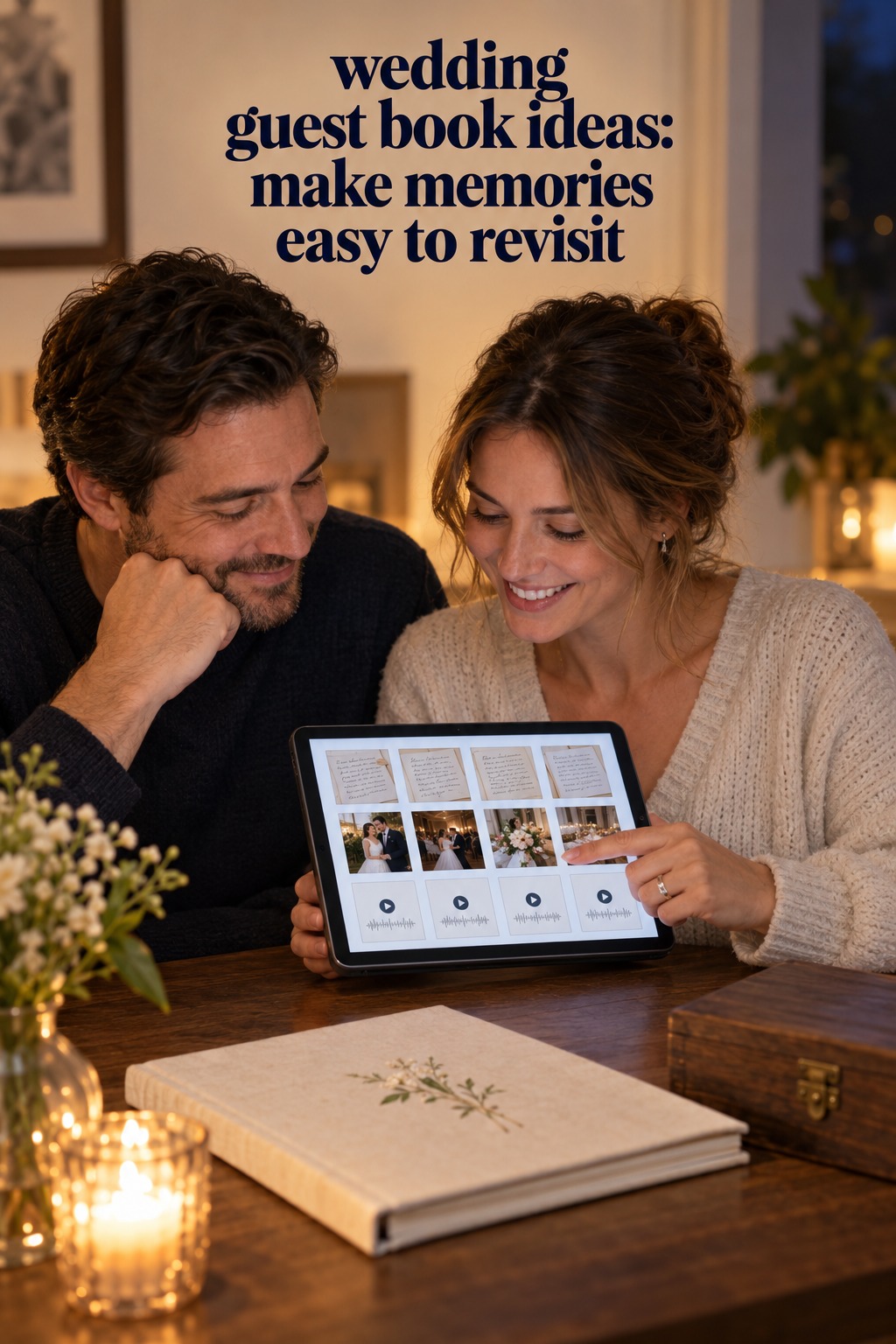
A digital companion works well when you want to search names, keep a copy away from the physical object, or include contributions that were never on paper. It can contain a page-by-page scan, a photo of a large signed piece, a list of contributors, and links to the original recordings. A scan does not need elaborate design. Consistent file names, readable images, and a short index will usually be more useful than a decorative interface that is hard to maintain.
A combined archive pairs the intact physical keepsake with a digital catalog. The book remains the original; the catalog points to pages and related files. You might connect a photograph to a message by assigning both the same index number, or note that a voice recording is stored in the “audio” folder. That small connection helps the items tell one story without forcing them into a single medium.
Think about the version you will actually revisit. A large signed object may be easier to appreciate through a photograph if it is awkward to store. A bound book may be pleasant to browse at home, while a digital companion makes it easier to locate a particular person’s note. A mix can serve both purposes. The important decision is whether each version has a clear job and whether you know which one is the original.
When creating a scan of a book, support the pages gently and avoid forcing the binding flat. If the binding resists opening or the paper is fragile, use a camera from above or ask a scanning service how it handles bound volumes. Do not press a heavy lid or glass against pages to flatten them. A slightly curved page in the copy is better than damage to the original.
For prints and individual notes, capture the entire item with its edges visible. Include a second image of the back if there is writing, a date, or identifying information there. Use even light and keep your phone or camera parallel to the paper so the text is not distorted. Save the original capture before cropping or enhancing a copy for easier reading.
After you create a digital companion, review it against the physical set. Check the first and last page, a few items from the middle, and any piece you especially want to keep. Confirm that names are readable, images have not been cut off, audio plays, and the index points to the correct file. A small verification pass catches missing pages before the paper copy goes back into storage.
A future reading ritual can keep the archive from becoming another forgotten folder. You might open it on an anniversary, revisit a small selection on a quiet evening, or read a few messages when you update a family album. There is no required schedule. Choose something gentle enough that you will want to repeat it, and note the date if you are adding reflections to the archive.
Protect Originals and Plan a Display Copy
Paper and photographs can change with light, moisture, heat, handling, and unsuitable adhesives. The U.S. National Archives recommends storing family papers and photographs away from damp basements and hot attics, and choosing enclosures that fit the material without bending or overfilling it. That guidance is useful for a wedding keepsake, but it is not a guarantee of a particular lifespan.
Choose a clean, dry place where the book or papers will not be squeezed, folded, or pressed under heavy objects. Keep loose items in a folder or box sized for them so corners are not bent. If you are choosing storage materials for photographs, check that the supplier identifies them as suitable for photographs rather than relying on vague words such as “premium.” The National Archives guide to storing family papers and photos explains why fit, handling, and material choice matter.
Do not glue a message, instant photograph, or print into the original book just to make the pages look finished. Adhesive can be difficult to remove and may affect paper or photographs. Instead, place the image in a removable photo-safe sleeve or use a separate companion page, following the instructions of the material supplier. If an original is fragile or already damaged, seek advice from a qualified conservator before trying to repair it at home.
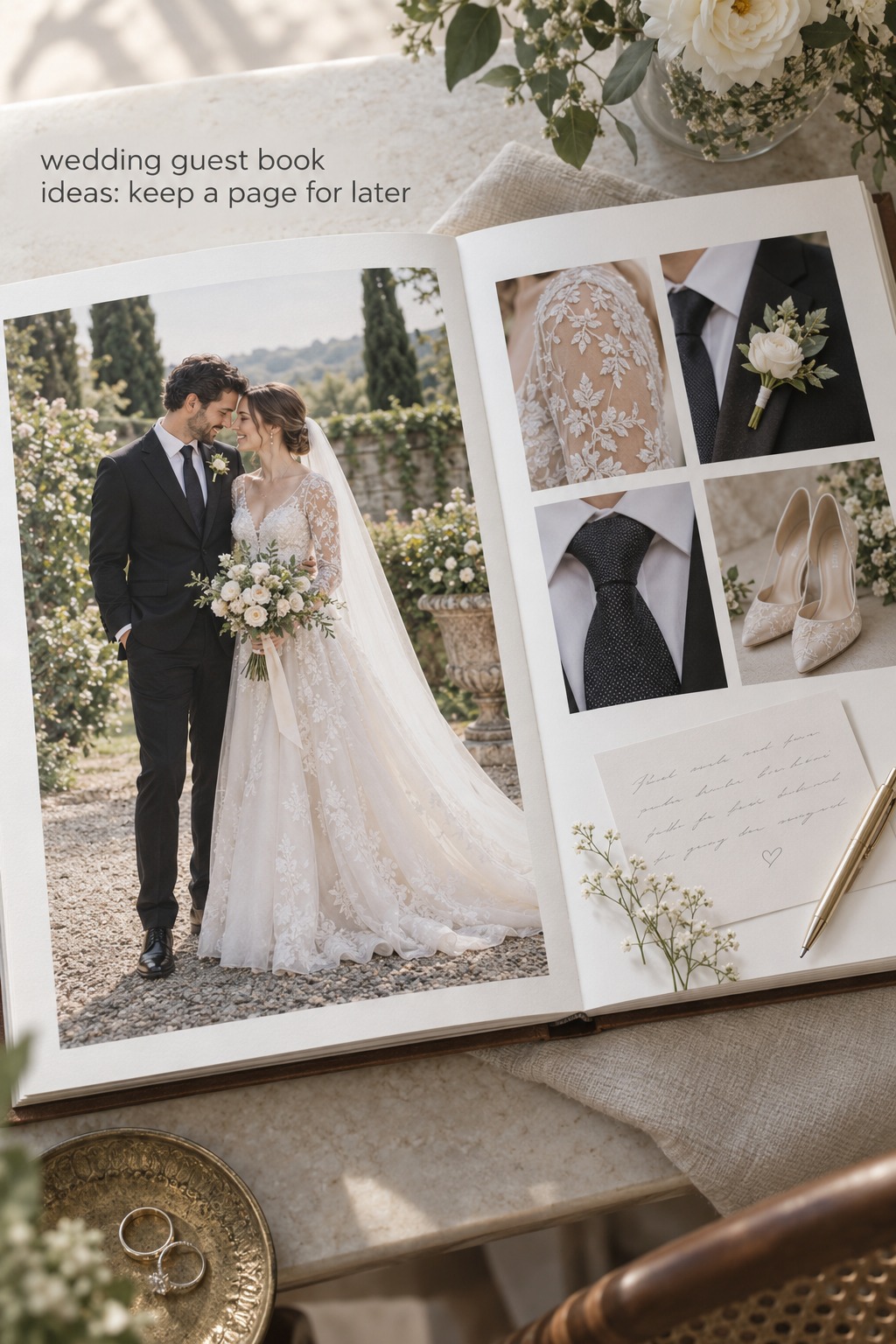
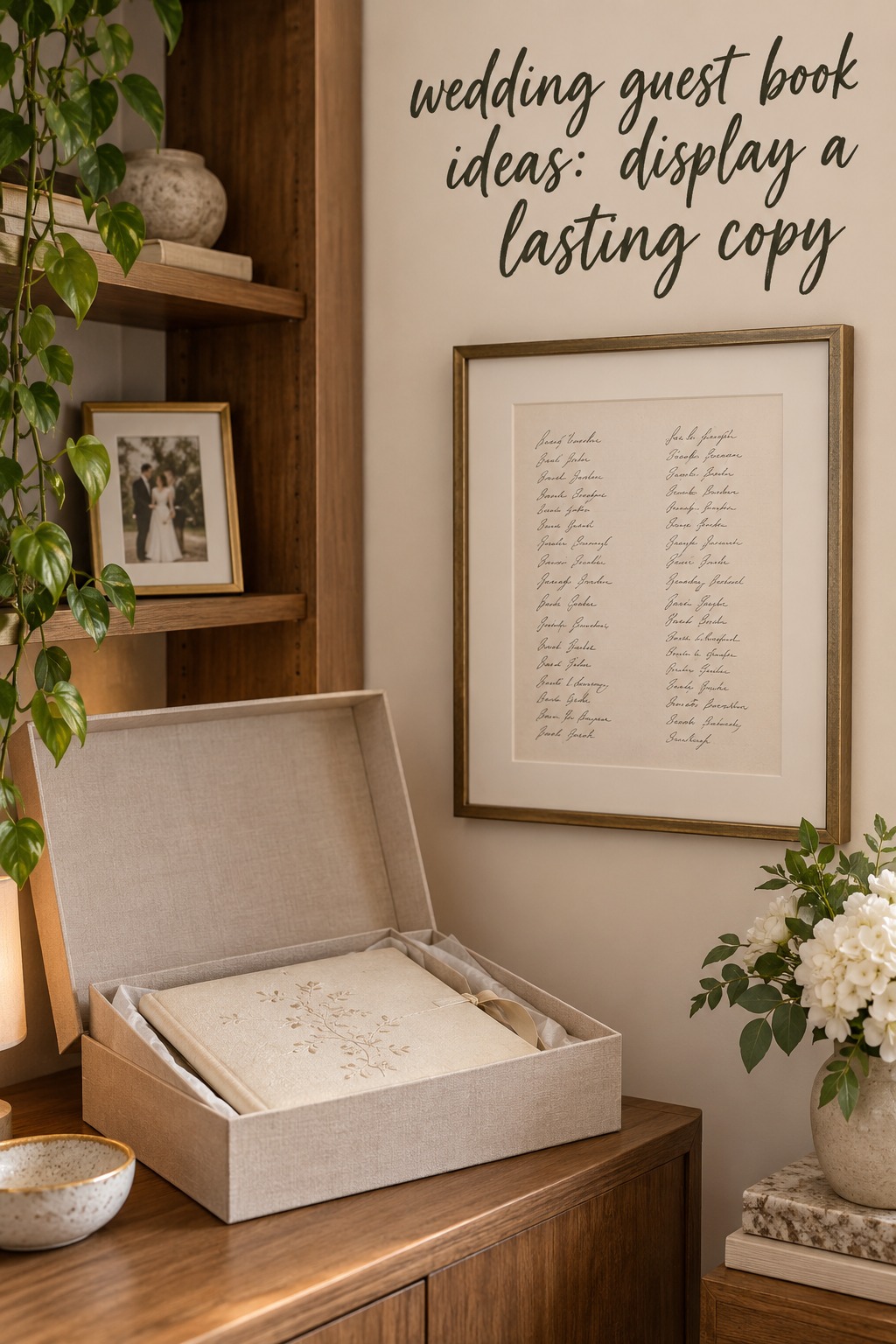
If you want a guest message on a wall or shelf, consider displaying a copy and keeping the original protected. A scan or photograph can preserve the look of the handwriting without exposing the original page to everyday light. If you do frame an original, choose appropriate materials and keep direct sunlight away from it. The National Archives guidance for displaying family papers and photographs recommends copies for display as the strongest protection from light damage.
Display a small selection rather than trying to put the complete guest book on view. Pick one page or image that has room around the writing and represents the memory you want to see. Keep a note in the index that identifies the original location. That way the display copy can be enjoyed without losing the connection to the full archive.
Large keepsakes need their own storage plan. Photograph the object from the front and back, record its dimensions, and note whether any part is loose or fragile. If the piece is too large for a standard box, store the image and description in the archive index and ask a framing or conservation professional about suitable support. Do not wrap a delicate surface tightly in plastic or attach a label directly to it without checking that the material is safe.
For digital audio and video, keep the source files, a backup, and a brief description together. Include the recording date if known, the service or device that produced it, and whether the file has been edited. You can add a written transcript or short summary for browsing, but leave the original recording untouched. If you share selected clips with relatives, preserve the private source separately and agree on who can access the public copy.
Finish with a one-page archive note. It can state what is included, where the originals and copies live, how the files are named, and who should be contacted before public sharing. Place a paper copy with the physical keepsake and save a digital copy alongside the catalog. The note is especially helpful if one person organized the archive and another person will look for it years later.
Avoid the Archive Mistakes That Make Messages Hard to Find
One common mistake is changing the original before making a record of it. Avoid trimming pages, writing numbers directly on delicate material, attaching extra photos with household tape, or reorganizing loose items without noting their original grouping. First document the arrangement, then make a reversible copy or index.
Another is scanning everything quickly and assuming the job is complete. A blurry image, a cut-off signature, or a missing audio file can leave a hole in the archive. Review the digital copy while the original collection is still out. Make a short checklist and tick off each section rather than relying on memory.
A third is spreading the materials across multiple services without a map. If the printed book is in a closet, the audio files are on one person’s phone, and the guest photos are in a temporary gallery, write down the locations and export the copies you are entitled to keep. Use one index as the starting point, even if the original files remain in several folders.
Do not overfill a book or box just to fit every piece into the same container. Extra inserts can make a binding difficult to close and may put pressure on photographs or folded notes. Keep oversized items in a separate enclosure and connect them to the main collection with an index number or descriptive note.
Finally, do not assume that a decorative display and a protective archive are the same thing. A keepsake can be attractive and still need a safer storage copy. Decide which item can handle light and frequent viewing, which one should be handled gently, and where the backup lives. That distinction lets you enjoy the memory without asking the most fragile original to do every job.
FAQ
What should we include in a wedding guest book archive?
Keep the original messages or object, a simple index, any related photos or recordings, and notes that explain where each item belongs. Include only context you can verify, such as the date, contributor name if known, and original storage location.
How can we scan a bound guest book without damaging it?
Support the book gently and do not force the binding flat. A camera positioned above the page may work for a book that does not open fully. If the paper or binding is fragile, ask a scanning service how it handles bound volumes before handing over the original.
Should we display the original guest book or a copy?
A copy is a lower-risk choice for a page you want to see often. Keep the original stored safely and record which page or item the copy represents. If you display an original, protect it from direct light and choose suitable framing materials.
How do we back up digital wedding guest book messages?
Download the original files you are allowed to keep, save a second copy in a separate location, and test a few files from that backup. Keep a short index that describes the files and where they came from. Do not rely on a single phone, account, or temporary online gallery.
Can we share our wedding guest book messages online?
You can share a selected copy, but consider whether the contributor expected a private message to be public. Ask before posting personal notes or recordings, and keep the full archive private unless everyone featured has agreed to broader sharing.
What is a simple way to organize guest book photos and notes?
Group items into a few clear categories, assign a neutral sequence number, and record the contributor, description, and original location in one index. Use matching numbers to connect a note with related photos or files without writing on the original.