
Wedding Planning Templates for a Calm, Chic Celebration
Some parts of wedding planning feel emotional and instinctive, but the logistics usually become clear the moment you open a blank spreadsheet or start writing a checklist. That is where wedding planning templates become genuinely useful. A strong set of templates turns scattered ideas into a working plan, helping you manage your budget, timeline, guest list, seating chart, RSVP tracking, vendor coordination, and day-of logistics without losing sight of the celebration itself.
The most helpful approach is not to treat each document as a separate worksheet, but as part of one connected planning system. Your guest list affects your budget. Your seating chart depends on RSVP status. Your timeline shapes vendor arrival times and day-of coordination. Whether you prefer Google Sheets, Google Docs, Excel, AFFiNE, Notion-style workspaces, or printable PDFs for a binder, the best templates are the ones that support real decisions at every stage of the wedding planning process.
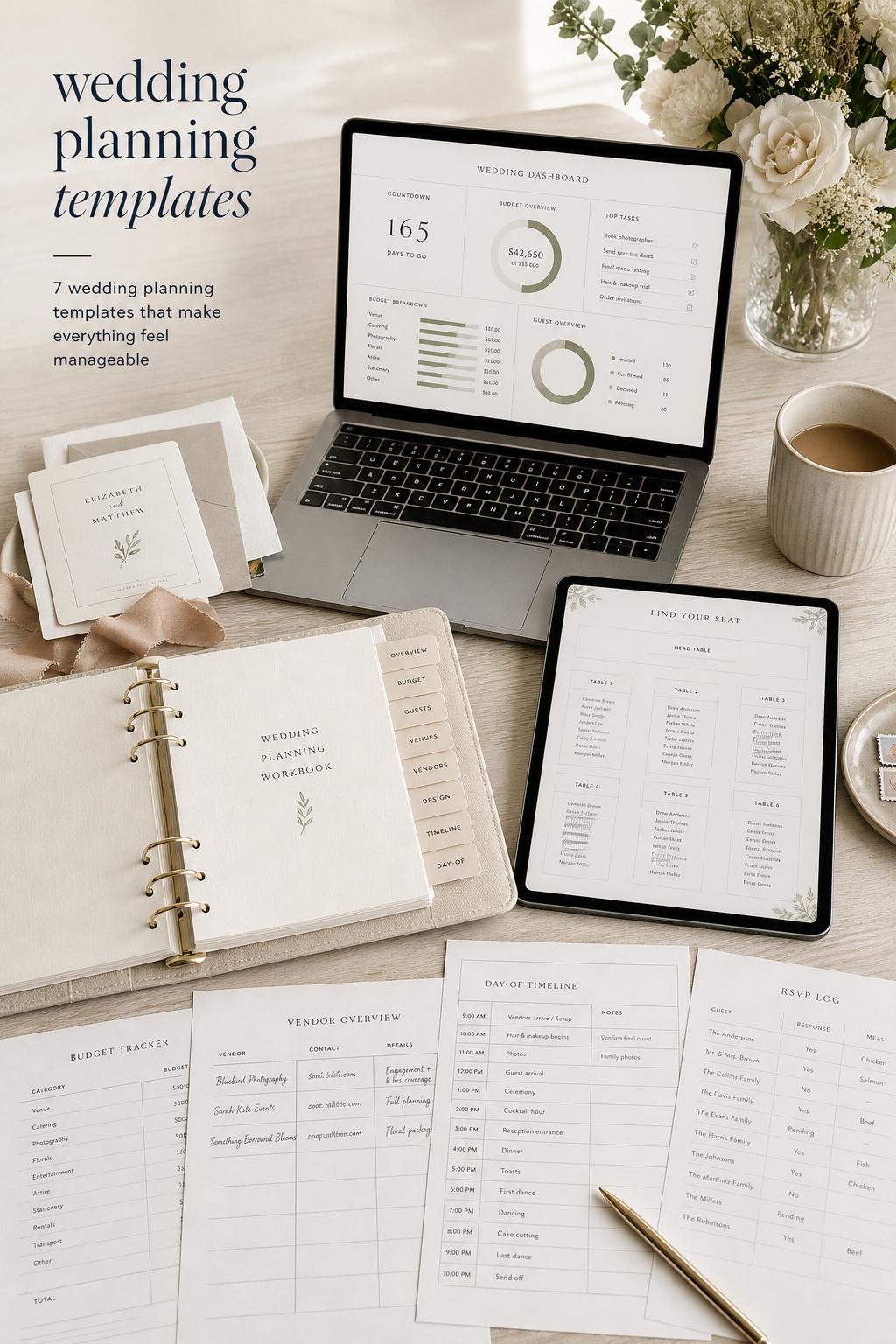
This guide brings those pieces together in a practical way. If you are building your planning toolkit from scratch or replacing a system that already feels messy, these are the template types, formats, and planning habits that make the entire process easier to manage and much easier to trust.
The template suite that actually keeps a wedding organized
Many couples begin with a single checklist and then realize they also need a budget sheet, a planning timeline, a seating chart, and a guest list tracker. That progression is normal. Weddings involve multiple moving parts, and no one template can comfortably carry everything. The most reliable planning setup usually includes five core pieces: a wedding budget template, a wedding planning checklist template, a wedding planning timeline, a guest list and RSVP template, and a seating chart template.

Turn wedding inspiration into a plan you can actually follow.
Zarellea brings your guest list, budget, vendors, and day-of details into one shared space — so no beautiful idea gets lost in the shuffle.
These templates work best when they are connected. A venue contract belongs in the budget and timeline. A caterer count depends on RSVP responses. Table assignments draw directly from your guest list. If you keep those links in mind from the beginning, your planning system feels calmer and your decisions become easier to update as details change.
Best for
This full template suite works best for couples planning a traditional wedding timeline, a larger guest count, or a multi-vendor event where deadlines matter. It is also especially helpful for anyone balancing family input, multiple locations, or a wedding weekend with rehearsal and day-of setup.
Why this system works
It creates structure without forcing every decision too early. You can begin with rough estimates and broad milestones, then refine details as vendor quotes, guest responses, and schedule changes become clearer. Templates reduce the risk of overlooking a category simply because it was never written down.
Common mistake to avoid
A common mistake is downloading several unrelated templates from different sources and never aligning their categories. If one budget sheet counts transportation under logistics, another checklist treats it as a day-of item, and your timeline places it under vendor arrivals, details start slipping between documents. Before using any set, standardize your categories and naming so the templates speak the same language.
Why a wedding budget template often becomes the most important document
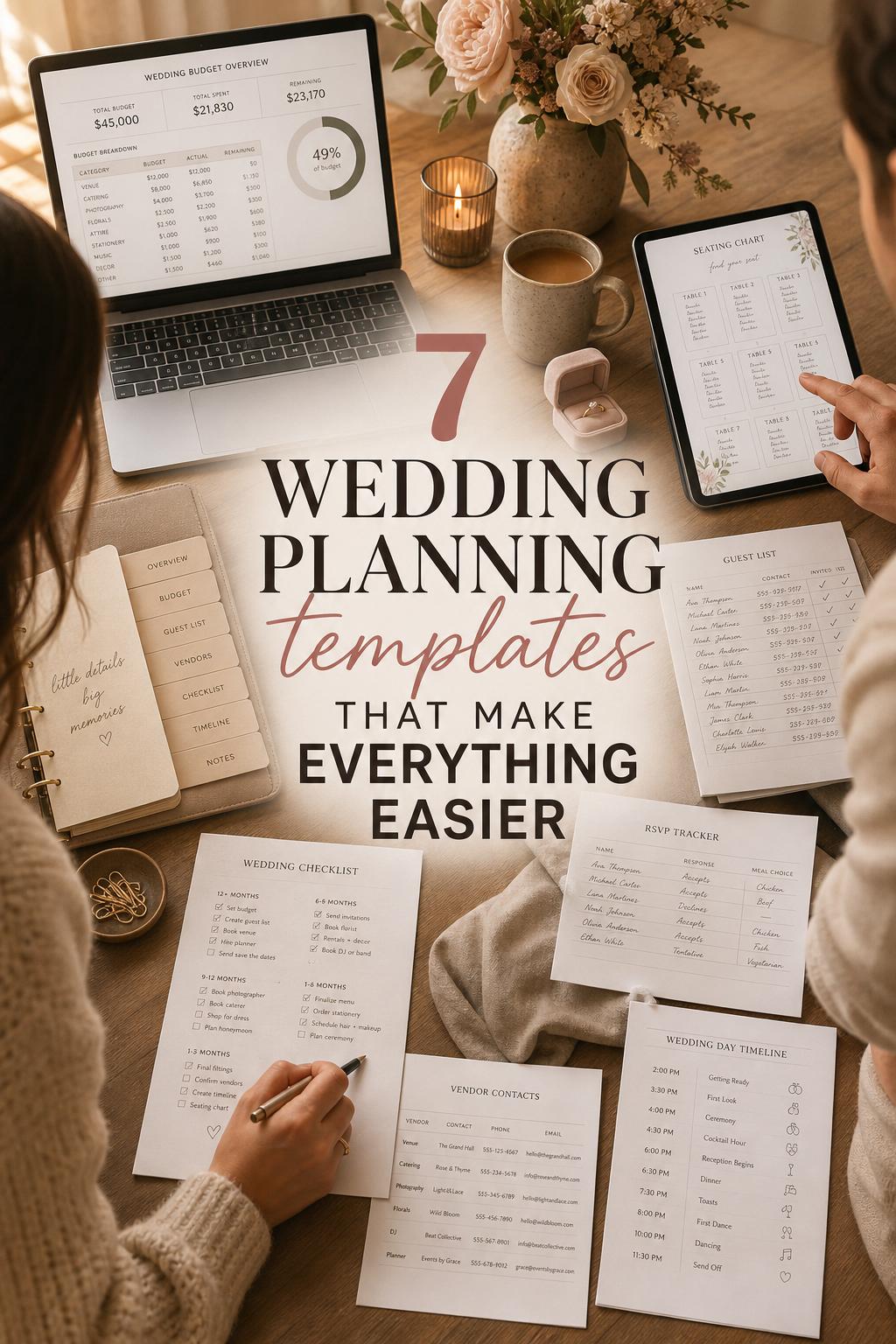
Among all wedding planning templates, the budget spreadsheet is usually the one that influences the most decisions. It is not just a place to list costs. A well-built wedding budget template helps you estimate expenses, compare vendor categories, track payments, and spot overruns before they become stressful. That is why budget-focused resources from sites like Tiller, Bliss and Bone, and WeddingBudgetCalc consistently center their planning systems around expense tracking and category control.
In practical terms, your budget template should include estimated cost, actual cost, payment status, and category breakdowns. It becomes even more useful when it connects to guest count, seating, and transaction records. Tiller-style planning works especially well for this because it supports a summary sheet alongside supporting tabs for expenses, transactions, guest management, and seating planning.
When a budget spreadsheet works best
A wedding budget spreadsheet is ideal for couples who want visibility before signing contracts, not just a record after spending. It is particularly effective for medium and large weddings, destination weddings with shifting cost estimates, and any celebration where multiple people may be paying different portions.
How to make it work in real life
- Create major categories first, then add smaller line items only after your main cost structure is clear.
- Use one tab or section for estimated costs and another for actual transactions so you can compare your plan against reality.
- Keep guest count visible somewhere in the workbook because changes in attendance often affect catering, rentals, seating, and stationery.
- Review the sheet after every vendor conversation, not just after contracts are signed.
Budget tip
If you need to simplify, invest your time in getting the major categories right rather than tracking every minor decorative purchase too early. A clean estimate for venue, catering, photography, music, rentals, and stationery usually gives you more control than a long list of tiny items entered without a clear total strategy.
Real-life planner insight
Before you compare two vendor quotes, rewrite them into the same categories in your template. One quote may bundle services together while another separates them. If you compare them line by line in a consistent format, the better value becomes easier to see.
The checklist that carries the emotional weight of planning
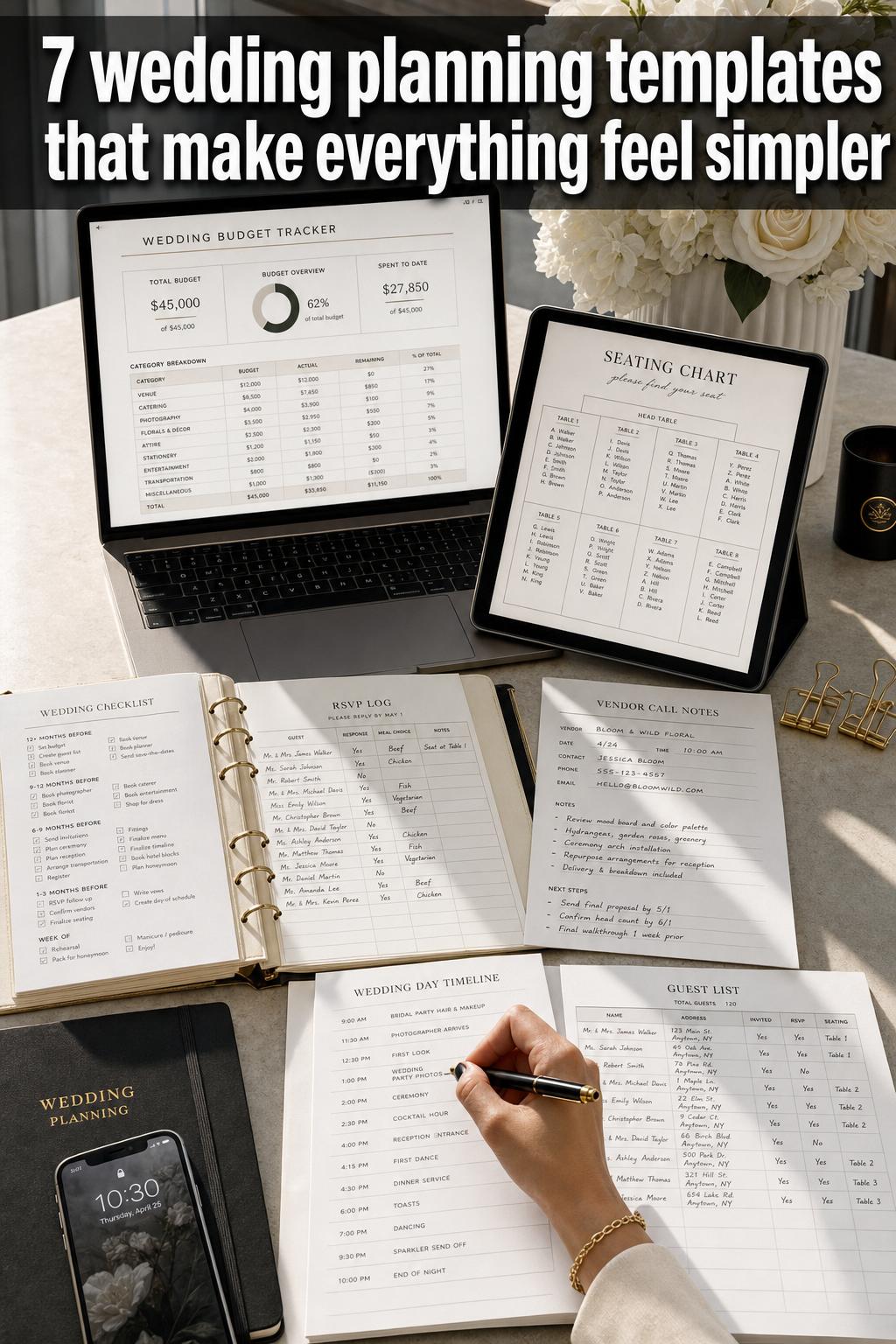
A wedding planning checklist template does something a budget cannot: it turns a long engagement into manageable milestones. It is the template that tells you what needs attention now, what can wait, and what should already be booked. Resources built around Google Docs, Google Sheets, AFFiNE, and printable planners tend to organize these tasks month by month, often around a 12-month planning timeline.
Checklists are especially valuable because they translate broad goals into small actions. “Book vendors” becomes photographer, DJ, caterer, and planner. “Finalize reception details” becomes seating chart, meal choices, RSVP deadlines, and day-of logistics. That level of clarity is calming, especially if wedding planning is happening alongside work, travel, or family commitments.
Best for
Checklist templates work best for couples who want momentum and structure. They are also helpful for anyone planning without a full-service planner, because the checklist becomes the steady voice that keeps the process moving.
How to customize a checklist without making it confusing
Start with a broad month-by-month framework, then tailor only the sections that clearly apply to your wedding. If your event is smaller, you may not need an extensive vendor comparison section. If your reception venue includes a coordinator, your day-of logistics checklist may be lighter. The goal is not to make the longest checklist possible, but the most useful one for your actual wedding.
Common mistake to avoid
Do not treat every task as equally urgent. A checklist becomes overwhelming when it is just a wall of unchecked boxes. Group tasks by planning phase and give special attention to time-sensitive vendor decisions, RSVP windows, and any item linked to contract deadlines or guest communication.
Styling-minded tip
Use your checklist to schedule aesthetic decisions in the right order. Venue comes before table layout decisions, and guest count should be stable before seating chart styling begins. This keeps your wedding vision cohesive instead of forcing visual choices before the practical framework is ready.
Why a wedding planning timeline deserves its own document
A checklist tells you what to do, but a wedding planning timeline tells you when each part must happen. That distinction matters. Timeline templates are valuable during the engagement period and even more important during the final weeks, when vendor coordination, setup, rehearsal, and the wedding day schedule all begin to overlap.
Many couples think of the timeline only as a day-of schedule, but the stronger version includes both long-range planning milestones and event-day logistics. Start Wedding Planning and similar guide-based resources often emphasize month-by-month timing, while wedding-focused hubs also include day-of timelines for getting ready, ceremony, reception, and send-off. Both are useful, and they should connect.
What should be in a timeline template
- Major planning milestones by month
- Vendor booking and payment deadlines
- RSVP response windows
- Seating chart finalization date
- Rehearsal timing
- Day-of setup, ceremony, cocktail hour, reception, and send-off schedule
Why it works so well for vendor coordination
Vendors do their best work when expectations are clear. A timeline gives the photographer, DJ, caterer, planner, and venue team a shared view of the day. It also helps you notice where transitions may feel rushed, where setup windows are too tight, or where guest movement between spaces needs better planning.
Budget tip
A realistic timeline can save money by reducing last-minute changes. If your rentals, catering schedule, and music setup are timed correctly from the beginning, you are less likely to pay for extra hours, rushed delivery adjustments, or additional staffing that could have been avoided with clearer planning.
Real-life coordinator tip
Build a little breathing room between major moments. A schedule that looks elegant on paper can feel stressful in person if every transition is stacked too tightly. Even a short buffer before the ceremony or between dinner and speeches can make the day feel more polished and less rushed.
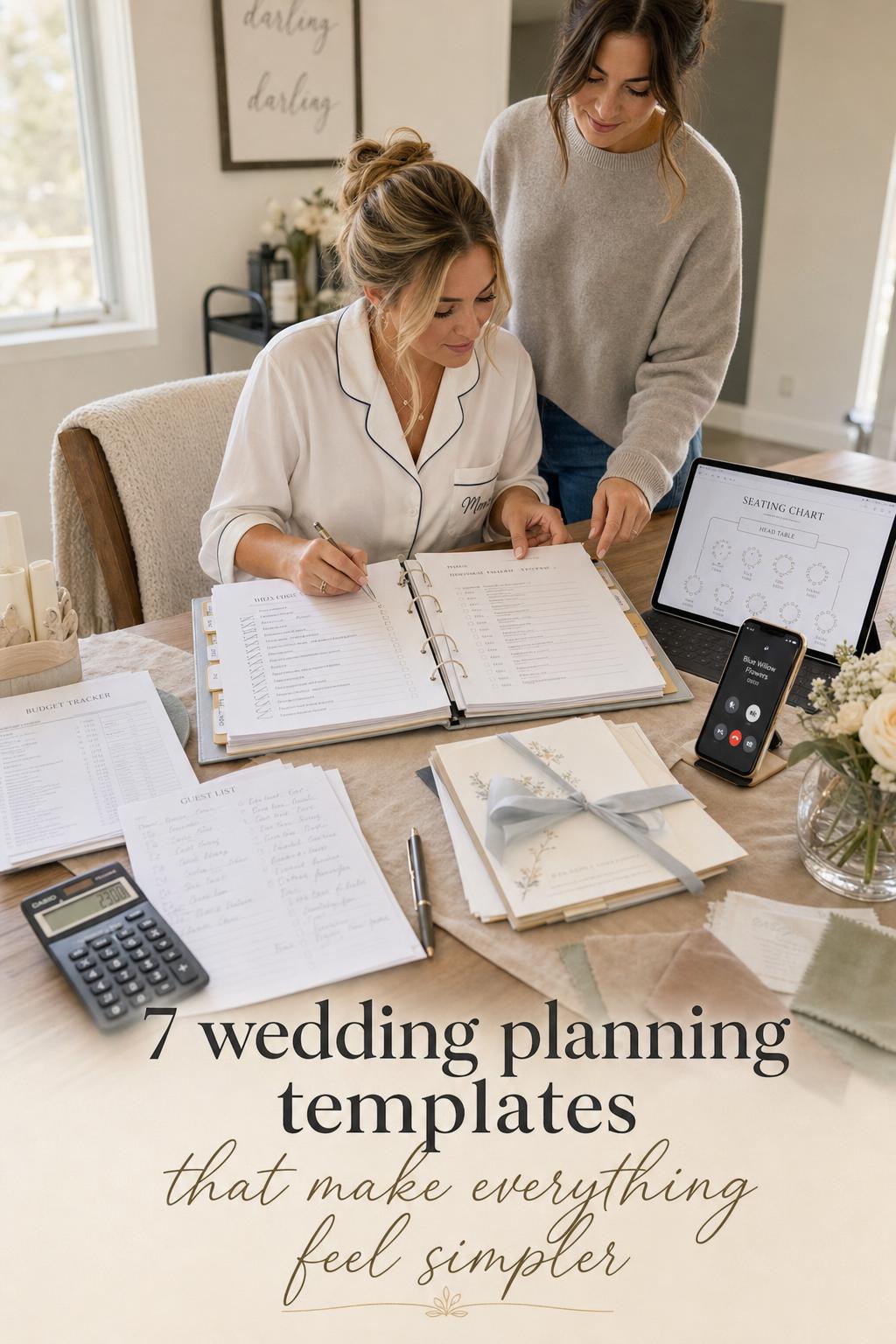
Guest list and RSVP templates are where planning becomes real
There is a point in wedding planning when everything becomes more concrete, and it usually happens when the guest list is finalized. A guest list and RSVP template centralizes names, attendance status, meal choices, and often table assignment notes. This single document influences your budget, seating chart, catering count, and day-of flow, which is why it is one of the most connected templates in the entire planning system.
Wedding-focused resource hubs frequently pair guest list management with RSVP tools, and that pairing makes sense. Tracking responses in one place reduces mistakes and keeps all communication tied to the same planning record. It is also useful for identifying special requirements early, such as dietary needs or household grouping for seating.
Best for
This template is essential for any wedding with formal invitations, assigned seating, meal selection, or multiple household groups. It becomes even more important as guest count rises, because memory is not a reliable planning system once names, relationships, and responses start changing.
How to keep it practical
- Track RSVP status and meal choices in the same place whenever possible.
- Add a note field for family relationships or group dynamics that may affect seating.
- Keep names consistent across your guest list, seating chart, and any printed materials.
- Update your budget and catering count after each wave of responses, not only after the final deadline.
Common mistake to avoid
One of the easiest errors is letting the guest list live in one document and RSVP tracking live in another. That separation creates duplicate work and makes seating chart updates more difficult. Keep them linked so every response changes the planning picture immediately.
Useful styling tip
Before finalizing any escort cards or seating display, cross-check names directly against the guest list template rather than against text messages or memory. Small spelling issues can slip into wedding signage very easily once several people are reviewing the list informally.
The seating chart template that prevents last-minute stress
Seating charts look simple from a distance, but they require one of the most layered planning decisions in the entire wedding process. A seating chart template helps you place guests table by table while balancing family dynamics, venue layout, RSVP changes, and the overall guest experience. It is not only about who sits where. It is about making the room function well.
That is why seating tools often appear alongside guest list and timeline resources. Seating affects service flow, dance floor access, and how naturally guests move through cocktail hour, dinner, and speeches. Good templates make those patterns easier to visualize before the day arrives.
When it works best
A seating chart template is most useful for receptions with assigned tables, plated meals, or family groupings that need care. It is also especially important when your venue has a fixed floor plan or when guest comfort depends on thoughtful placement.
How to make the seating chart easier to build
Begin with venue layout and table count before assigning any names. Then group guests by relationship or natural connection, and only after that start refining table balance. This keeps the seating plan grounded in actual space rather than wishful grouping. If your template allows notes, use them for mobility needs, family sensitivities, or meal-related service details.
Budget tip
Get the seating framework stable before ordering printed seating displays or table stationery. Reprinting because of late changes can add unnecessary cost, especially if your guest list is still shifting near the RSVP deadline.
Real-life styling tip
Before choosing dramatic table arrangements or tall centerpieces, make sure they do not block conversation across the table. A reception can look polished and still feel awkward if guests cannot see one another comfortably.
Choosing the right format: Google Sheets, Google Docs, Excel, AFFiNE, Notion-style workspaces, or printables
Format matters more than many couples expect. The best wedding planning templates are not only well designed; they also fit how you naturally make decisions. Some people want real-time collaboration in Google Sheets. Others prefer printable PDFs in a binder. Some couples like database-style planning in AFFiNE or a Notion-like workspace because it brings tasks, notes, and planning records into one place. The right format is the one you will actually keep updated.
Google Sheets for collaborative planning
Google Sheets templates are strong for budgeting, guest lists, seating assignments, and shared progress tracking. They work especially well for couples planning together or with family members who need access. Tiller-style spreadsheets show the strength of this format clearly: summary views, transactions, guest tabs, and seating details can all live in one workbook.
Excel for offline control
Excel templates are a practical option if you prefer a traditional spreadsheet setup or want offline access. They can be especially useful for budget planning and cost estimation, provided the formulas are easy to follow and the categories are clearly organized.
Google Docs for simple checklists
Google Docs-style templates are often easiest for printable checklists, planning notes, and milestone lists that do not need formulas. If your planning style is more narrative than numerical, a document-based checklist can feel less intimidating than a spreadsheet.
AFFiNE and Notion-style planning for an all-in-one workspace
AFFiNE-based templates and Notion-style systems suit couples who want a hybrid setup with checklists, databases, planning notes, and linked sections for budget, venue, vendors, guest list, and day-of logistics. This format can feel more intuitive than a spreadsheet if you think in project boards and connected pages rather than rows and columns.
Printable PDFs for binder-ready planning
Printable Wedding Planner collections and toolkit-style resources remain useful because some decisions are easier to review on paper. Printables can be a strong companion format for venue visits, family meetings, or day-of coordination packets when digital access feels awkward.
How to decide
- Choose Google Sheets if collaboration and live updates matter most.
- Choose Excel if you want spreadsheet control with offline access.
- Choose Google Docs for checklist simplicity and printable milestone planning.
- Choose AFFiNE or a Notion-style workspace if you want a connected planning hub.
- Choose printable PDFs if you prefer a physical wedding binder or need hand-carry documents for appointments.
How the main planning pieces connect behind the scenes
The reason some wedding planning systems feel smooth while others feel chaotic usually comes down to connection. Budget, checklist, timeline, guest list, seating chart, and vendor coordination should not operate as isolated files. The practical value of templates comes from the relationships between them.
Your budget links to vendor categories and payment deadlines. Your timeline connects to invitations, RSVP windows, and rehearsal planning. Your guest list drives meal counts and table assignments. Your seating chart shapes the room layout and helps day-of logistics run more smoothly. Once you understand those relationships, templates stop feeling like paperwork and start functioning like a planning map.
A simple example of a connected workflow
Imagine you increase your guest count after finalizing your venue. That change should move through several templates immediately: your budget needs a revised catering estimate, your guest list expands, your RSVP tracker changes, and your seating chart may require another table. If your documents are not aligned, that one decision creates confusion in four different places.
Why this matters for decision-making
Connected templates reduce emotional friction. Instead of feeling that every update creates more uncertainty, you can see exactly where the change belongs. That clarity is one of the biggest practical advantages of a well-built wedding planning spreadsheet or workspace.
Vendor coordination templates and why they deserve more attention
Vendor coordination is often spread across emails, contracts, and notes, yet it touches nearly every planning category. Photographer, DJ, caterer, planner, and venue details all influence the timeline, budget, and day-of setup. This is one area where many template collections still feel fragmented, which is why it helps to create a dedicated vendor section even if your original download did not include one.
A vendor coordination template does not need to be complicated. It simply needs to connect contact details, service categories, payment milestones, and timeline responsibilities. This becomes particularly important in the final month, when information needs to be easy to find and consistent across all planning documents.
Best for
This kind of template is best for weddings with several separate vendors rather than one all-inclusive package. It is also helpful for couples managing their own coordination without a full-service planner.
How to keep vendor tracking useful
- Match each vendor to a category already used in your budget template.
- Record payment due dates where they can be seen alongside planning milestones.
- Note arrival times and setup responsibilities so the information can transfer directly into the day-of timeline.
- Keep one final confirmed version of all vendor details before wedding week.
Common mistake to avoid
Do not rely on inbox search as your vendor management system. Important details become hard to verify quickly, especially once final timing, logistics notes, and payment reminders start arriving from different directions.
Day-of coordination templates for the part guests actually experience
The wedding day itself is where all planning either feels seamless or visibly strained. Day-of coordination templates bring together timeline details, vendor sequencing, setup notes, and reception flow. They are often included in toolkit-style resources and broad wedding planning hubs because they pull from nearly every other document in your system.
This template should cover more than ceremony time and reception start. It should reflect the practical order of the day, from preparation through setup, guest arrival, transitions, and final send-off. If you have a rehearsal, include that timing too. A day-of plan that ignores setup or movement between spaces is usually too shallow to be useful.
Why it works
It gives everyone a shared structure. The venue team, planner, photographer, DJ, and caterer can all work more confidently when timing and expectations are clear. For couples, it reduces the mental load of trying to remember logistics while also being present for the emotional parts of the day.
Budget-conscious advice
If you are not hiring a full planner, invest extra care in your day-of template. A strong coordination sheet can help a venue coordinator, trusted friend, or family member step into support roles more effectively, which can prevent expensive last-minute confusion.
Planner-style tip
Print one clean version of the final day-of timeline even if your main planning system is digital. During setup and arrival windows, a single visible schedule is often faster to use than multiple phones or scattered notes.
Printable wedding planner templates still have a place
There is a reason printable collections remain popular, including broad catalogs with forms, worksheets, and checklists. Physical planning tools can be calming. They are easy to review during venue meetings, useful for shared conversations with family, and practical when you want a wedding binder that holds the whole process in one place.
Printables are especially effective when paired with digital master documents rather than used alone. For example, your Google Sheets budget can remain the official source, while your printed checklist helps during appointments. This hybrid method keeps your records accurate without giving up the tactile ease of paper planning.
Best for
Printable templates are best for couples who think visually on paper, want a binder-ready system, or need forms that can be carried to venue walk-throughs and planning meetings.
Common mistake to avoid
The main risk is updating paper copies without updating the digital source. If you use both, decide which version is the master and transfer changes immediately after meetings or vendor calls.
Where current template systems still fall short
Even strong wedding planning templates do not always cover every practical scenario. Some systems are excellent for budgets but weak on guest flow. Others offer a useful checklist but do not connect it to vendor coordination or seating. A few include day-of planning without enough support for broader timeline management. This is why many couples eventually create an all-in-one wedding planning hub, even if they start with separate downloads.
There are also areas that remain lightly covered in many template collections. Regional planning details, such as city- or state-specific budgeting norms, permit considerations, and local venue requirements, are often missing. Destination-specific budgeting is not always integrated cleanly into standard worksheets. More modern workspace formats, including Notion-style hubs and AI-assisted planning flows, are also less represented than traditional spreadsheets and printables.
What to add if your template bundle feels incomplete
- A vendor comparison sheet with categories that match your budget
- A regional notes section for local cost assumptions or permit reminders
- A post-wedding tracker for thank-you notes, album planning, and photo distribution
- A setup page that links guests, seating, vendors, and the day-of timeline into one summary view
Building an all-in-one wedding planning hub that feels manageable
The most practical system is often a hub rather than a single file. That hub can live in Google Sheets, Excel, AFFiNE, or a Notion-style workspace, and it can be supported by printable PDFs if you like paper planning. The point is not complexity. The point is coherence.
A calm, effective hub typically includes a dashboard or summary sheet, then linked sections for budget, checklist, timeline, guest list, seating chart, vendor coordination, and day-of logistics. Post-wedding tasks can also be added if you want the system to support thank-you note tracking, album planning, and photo delivery organization after the event.
How to set it up without overbuilding it
Start with the documents you know you will use weekly: budget, checklist, and timeline. Add guest list and seating once invitations and RSVP planning begin. Then add vendor and day-of sections as contracts and final logistics become more detailed. This phased approach keeps the system realistic and avoids spending too much time designing templates instead of using them.
A practical decision rule
If a template helps you make a decision faster, keep it. If it only gives you another place to duplicate information, simplify it. The best planning tools reduce friction. They should not create more of it.
A thoughtful approach to templates by wedding style, budget, and venue context
Different weddings need different levels of structure. An intimate celebration may rely heavily on a checklist and a simplified budget, while a larger reception with assigned seating, multiple vendors, and a formal timeline will benefit from a complete template suite. The key is matching your planning tools to the complexity of the event rather than assuming every wedding needs the same documents in the same depth.
Venue style matters too. A wedding in a venue with a strong built-in system may reduce the need for some logistics tracking, while a celebration in a space requiring more independent coordination often needs a fuller timeline and vendor management structure. Seasonal factors, guest count, and whether your wedding involves travel or destination considerations can also increase the value of budget forecasting and linked planning tabs.
Best-for guide at a glance
- Smaller weddings: checklist, budget template, and simplified guest list
- Larger weddings: full suite including timeline, seating chart, RSVP tracker, and vendor coordination
- Multi-vendor weddings: detailed timeline and payment tracking
- Destination or regional planning: stronger budget forecasting and local notes section
- Couples who prefer paper: printable planner plus one digital master file
Practical tips for choosing templates you will actually use
The most beautiful template is not always the most effective one. Usability matters more than appearance once planning becomes busy. A worksheet that feels easy to update after a vendor call will support you better than a highly styled planner that makes every edit slow. Look for templates that fit your habits, not just your taste.
Many couples also do better with one primary platform and one support format. For example, a Google Sheets budget plus printable checklists is a strong combination. An AFFiNE workspace plus a printed day-of timeline is another. Too many formats at once can create confusion, especially in the final month.
Useful template selection tips
- Choose one format for live updates and one only if it adds clear practical value.
- Make sure your budget categories, vendor categories, and checklist language are consistent.
- Test the template with real information before fully committing to it.
- Keep summary views simple so you can understand progress quickly.
- Prefer templates you can customize without breaking their structure.
The quiet confidence good templates bring to wedding planning
Wedding planning feels lighter when your ideas have somewhere reliable to live. A strong system does not remove every decision, but it helps you make those decisions with more clarity and less repetition. That is the real value of wedding planning templates: they give shape to the details so the celebration can feel more present, more intentional, and more fully yours.
Whether you gravitate toward a Tiller-style spreadsheet, a Google Docs checklist, an AFFiNE workspace, a printable binder from Printable Wedding Planner, or a toolkit built around budgets and day-of coordination, the goal is the same. Choose templates that connect the practical parts of the wedding to the experience you want to create. When the structure is thoughtful, the emotional moments have more room to breathe.
FAQ
What are the most important wedding planning templates to start with?
The best place to start is with a wedding budget template, a wedding planning checklist template, and a wedding planning timeline. Those three documents cover money, milestones, and scheduling, and they create the foundation for adding a guest list, RSVP tracker, seating chart, and vendor coordination pages later.
Are Google Sheets or Excel templates better for wedding planning?
Google Sheets is usually better for real-time collaboration and shared access, while Excel is a strong choice for couples who prefer offline control and a traditional spreadsheet format. The better option depends less on features and more on whether you will update it consistently throughout the planning process.
Do I really need a separate seating chart template?
Yes, if you have assigned tables, plated meals, or a guest count large enough that placement affects comfort and service flow. A seating chart template makes it easier to balance family groups, table size, venue layout, and RSVP changes without trying to manage those details inside the guest list alone.
What should a wedding budget spreadsheet include?
A useful wedding budget spreadsheet should include expense categories, estimated cost, actual cost, payment status, and enough structure to compare quotes and track changes. It becomes even more valuable when it connects to guest count, vendor categories, and a simple transaction record.
How do I keep multiple wedding planning templates from becoming confusing?
The simplest way is to make sure all templates use the same categories, names, and planning phases. Your budget, checklist, timeline, and vendor sheets should refer to the same services and milestones in the same language so information can move cleanly between them.
Are printable wedding planner templates still worth using?
Yes, especially if you like reviewing details on paper, carrying forms to appointments, or building a wedding binder. They work best when paired with one digital master document so your updates stay accurate and you do not end up maintaining conflicting versions.
What is the benefit of a 12-month wedding planning timeline?
A 12-month timeline breaks the planning process into manageable stages, which helps you focus on the right decisions at the right time. It is especially useful for vendor booking, invitation timing, RSVP windows, and final logistics that depend on earlier choices being completed first.
Can one template handle budget, guest list, seating, and timeline together?
One template can act as a hub, but it usually works best when those areas are kept in separate linked sections rather than forced into one crowded page. An all-in-one system is most effective when it includes connected tabs, sheets, or databases for each planning function.
What should I add if my template bundle feels incomplete?
If your set feels too basic, add a vendor coordination sheet, a regional planning notes section, a day-of logistics summary, and a post-wedding tracker for thank-you notes and album planning. Those additions often fill the most common gaps in standard wedding planning templates.